

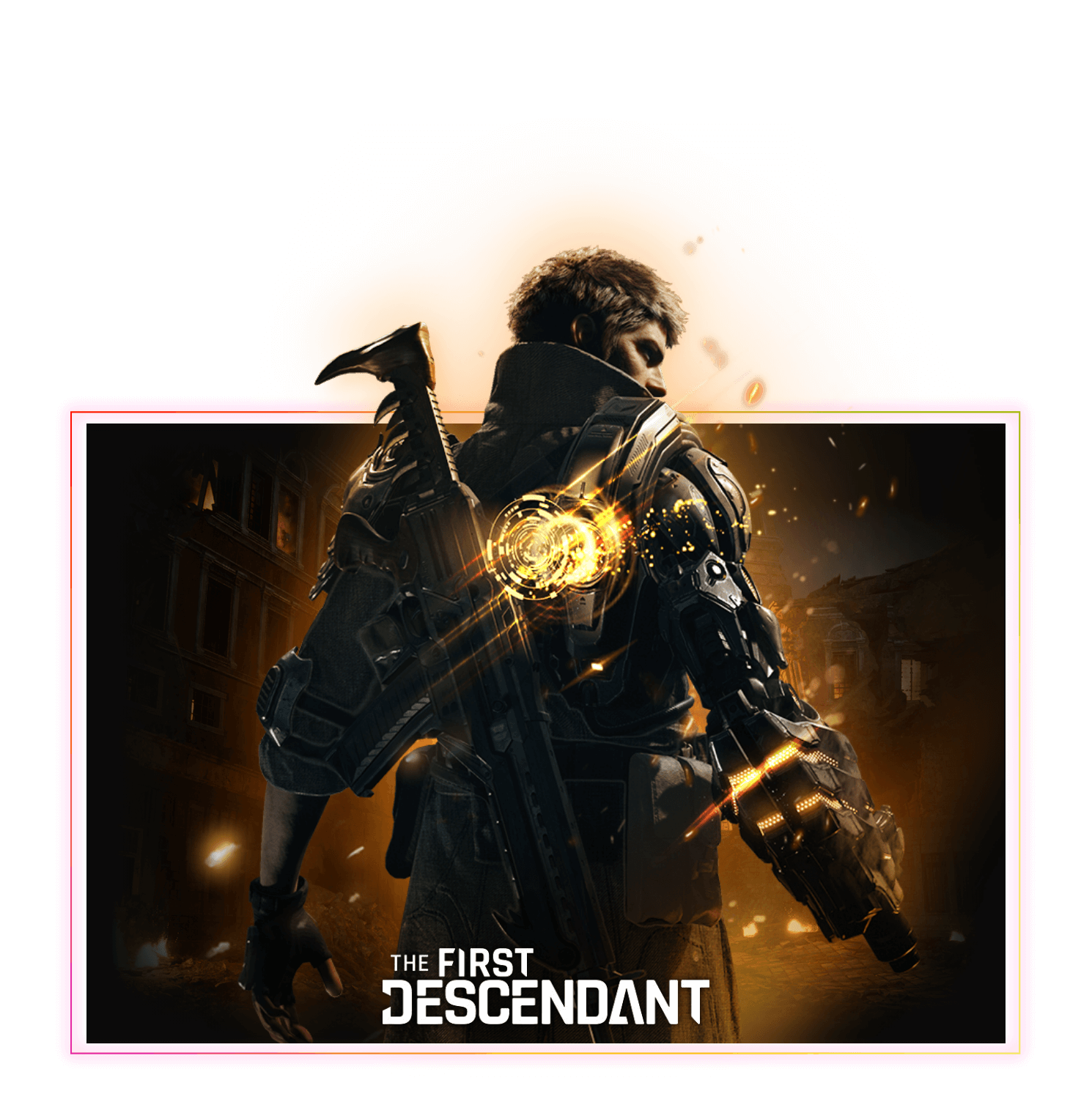

What do I need to get HDR10+ GAMING running on my PC?
HDR10+ GAMING
HDR10+ GAMING requires four things:
- A certified display (TV or monitor) — check full list of displays
- A compatible game — check full list of compatible games
- A certified GPU (NVIDIA or Intel) with up-to-date drivers — check GPU compatibility
- HDR enabled in Windows 10/11 display settings, with your PC connected to your display via HDMI
This is a one-time setup process. Once all four conditions are met, HDR10+ GAMING activates automatically each time you launch a supported game.